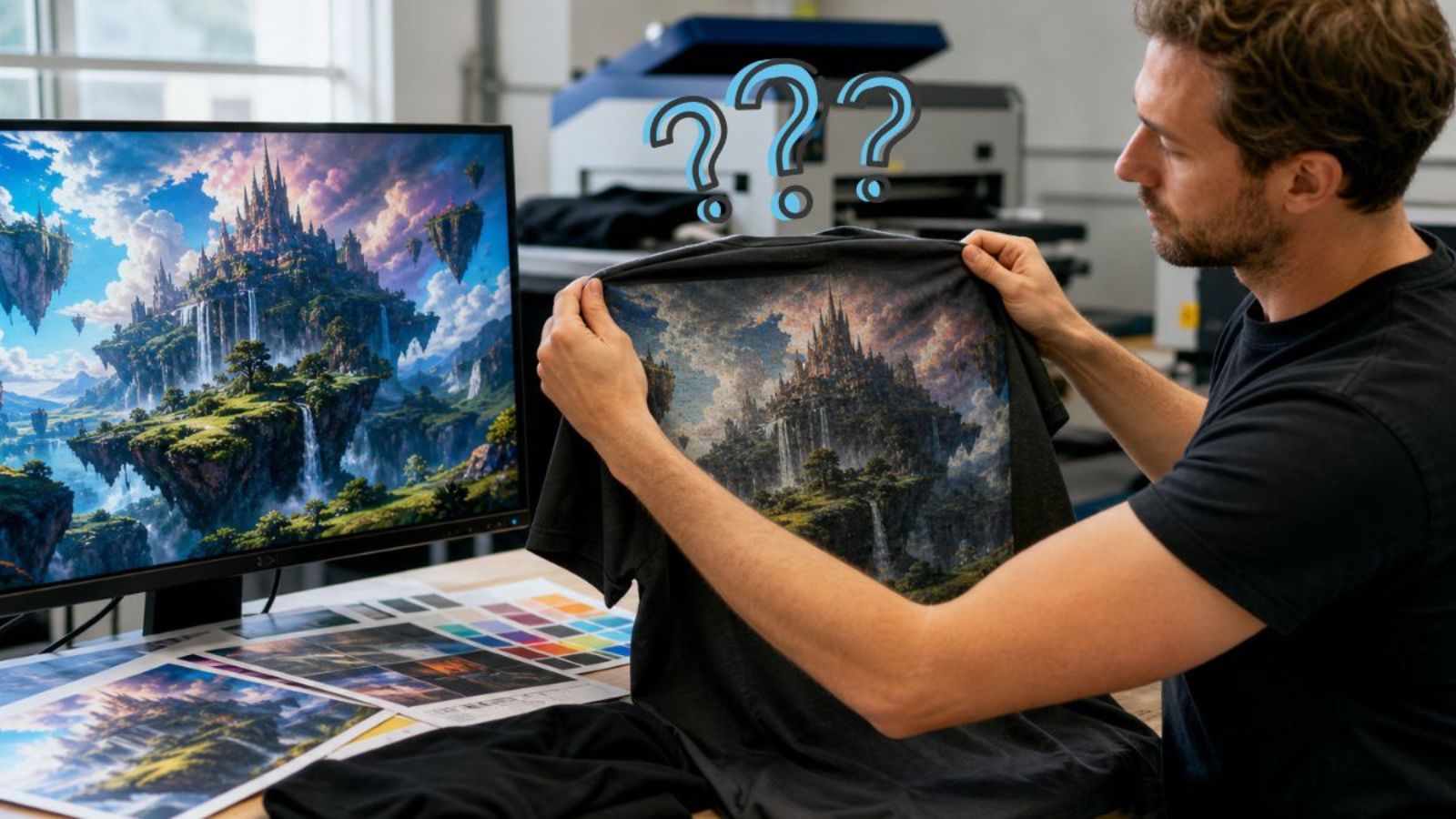
AI-generated artwork can look sharp and detailed on a screen but produce a disappointing result when printed on a shirt. Digital artwork does not always translate to fabric in the same way it appears on a phone or computer.
Some AI images need additional preparation before they are suitable for printing. Knowing where problems can occur helps prevent disappointing results.
Screen Quality Does Not Guarantee Print Quality
An image can look sharp on a screen even when it does not contain enough information for a garment print.
Screens use light to display images, while printed shirts reproduce artwork with physical printing materials. Fine details that look clear on a monitor may become less noticeable on fabric.
AI artwork can contain especially fine details, including:
- Small lettering
- Thin outlines
- Complex textures
- Subtle shadows
- Detailed backgrounds
A useful test is to view the design at approximately its intended print size. This gives a better idea of whether important elements will remain clear on the garment.
Resolution Affects AI Images for Printing
Resolution is one of the first things to check when preparing AI images for printing.
An image with limited pixel dimensions may look fine on a phone but become blurry or pixelated when enlarged for a shirt. AI generators can produce highly detailed artwork while still creating a file that is too small for a large print.
The required resolution depends partly on the physical size of the design. A small chest graphic generally requires less image information than a large front or back print.
Enlarging a small file can make the artwork larger, but it cannot recreate details that were not present in the original image. Using the largest original file available provides a better starting point for preparation.
Small Details Can Disappear on Fabric
AI-generated artwork can contain more detail than a shirt design actually needs.
A common misconception is that more detail always creates a better print. Excessive detail can instead make a design harder to recognize, particularly when it is reduced to a smaller size.
Small text, thin lettering, narrow lines, and tiny shapes are especially vulnerable to losing definition.
Important elements should remain visually distinct at the final print size. These may include:
- Business names
- Logos
- Facial features
- Main objects
- Important lettering
Less important background details can often be simplified without changing the main character of the artwork.
Backgrounds and Colors Can Change the Result
AI artwork often includes glowing effects, shadows, soft edges, and elaborate backgrounds. These features can create problems when the background needs to be removed.
For example, a faint glow around a subject may look intentional on screen but leave a visible halo after background removal.
Other common issues include:
- White edges around artwork
- Unwanted shadows
- Semi-transparent areas
- Background colors that should not remain
Color can also look different after printing. Screens produce color with light, while printed garments reproduce it with physical printing materials. Bright colors, gradients, and glowing effects may therefore appear different on fabric.
Garment color also affects the result. Artwork designed for a white shirt may need adjustments when used on a black or dark colored garment, especially when it contains light or transparent elements.
Print Preparation Makes a Difference
Creating an AI image and preparing one for printing are different steps.
An AI generator may produce an attractive illustration, but the file can still require adjustments before production. This is particularly important with AI images for printing, since generated artwork may contain unwanted details or inconsistencies.
Preparation may include:
- Checking image dimensions
- Cleaning unwanted edges
- Removing background artifacts
- Reviewing lettering
- Simplifying excessive detail
- Checking transparent areas
- Viewing the design at its final size
AI-generated images can also contain errors in hands, faces, lettering, patterns, or small objects that become more noticeable when enlarged.
The original file is generally preferable to a screenshot or repeatedly compressed copy. The intended printing process can also affect how the artwork should be prepared.
Matching the Artwork to the Garment
The quality of an AI image cannot be considered separately from how the design will be used.
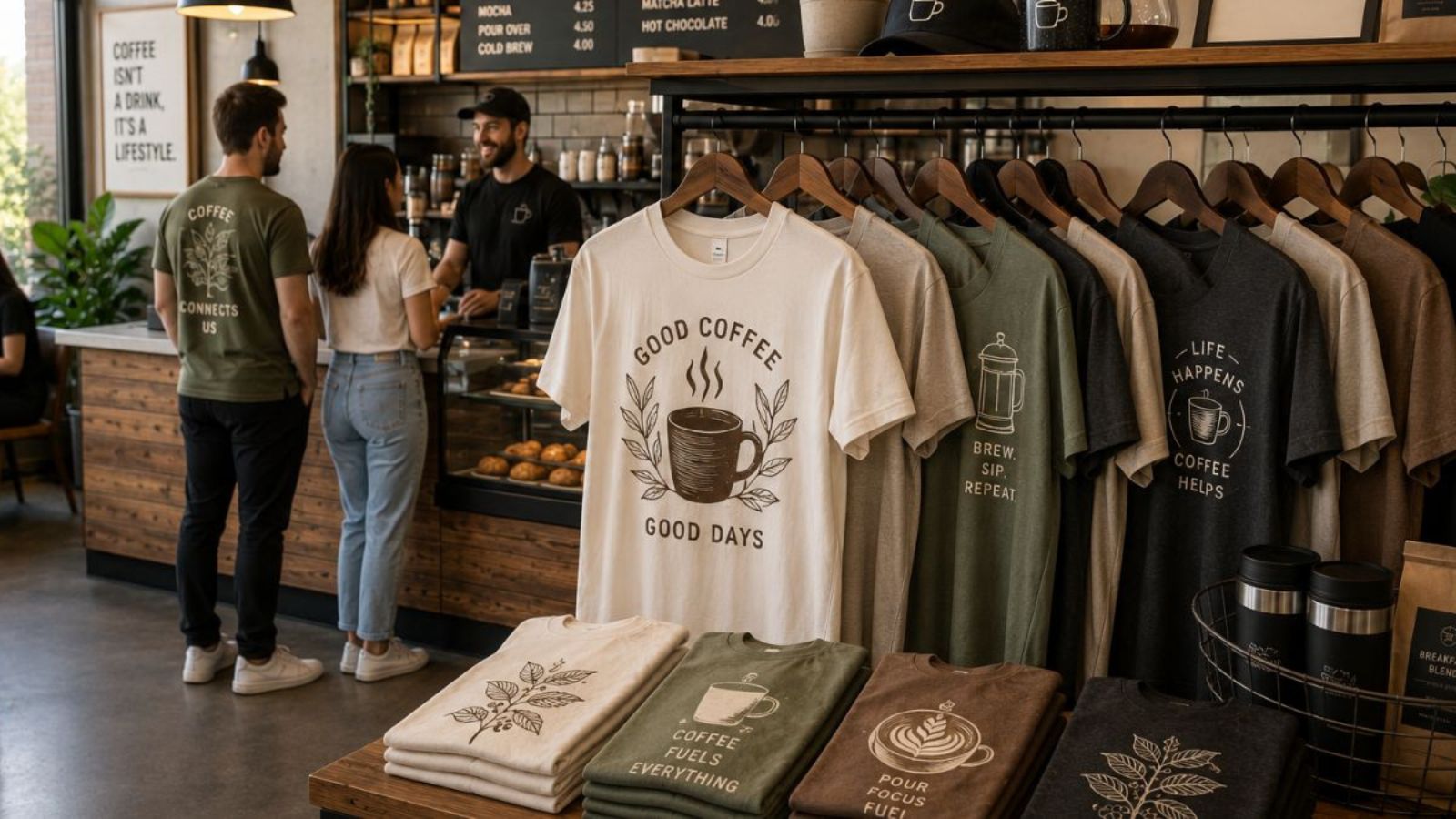
A detailed illustration intended for a large back print has different requirements from a simple logo on the upper chest. The same artwork may not work equally well at every size or placement.
For example:
- A detailed illustration may suit a large back print
- A simplified graphic may work better on the chest
- A simple logo may remain clear at a smaller size
- A complex design may become crowded when reduced
Considering the garment, print location, and final size before production helps determine whether an image needs to be simplified or adjusted.
For AI images for printing, the most important test is how the artwork performs at its intended physical size. Checking the original file, important details, background, colors, and garment choice can help prevent avoidable problems.
The goal is to preserve what makes the AI artwork distinctive while ensuring its key elements remain clear and effective when printed on fabric.
Frequently Asked Questions
Can AI artwork be used for logos?
It can be a useful starting point, but logos and designs with important text or precise shapes may require additional editing for consistency and clarity.
Does AI artwork always need background removal?
No. An intentional background can remain if it works with the design and garment. Removal is mainly useful when the subject needs to stand alone.
Is vector artwork better for printing?
Not always. Raster artwork can work well for detailed illustrations, while vector files are particularly useful for logos, text, and graphics that need frequent resizing.
Does the printing method affect artwork preparation?
Yes. Different printing processes can handle colors, transparency, gradients, and fine details differently, so preparation requirements can vary.
Should the design be checked against the shirt color?
Yes. Viewing the artwork against the actual garment color can reveal contrast and transparency issues that may not be obvious against a white screen.
Make AI Images for Printing Work on Fabric
Whether you’re designing shirts for a school event, business promotion, sports team, fundraiser, or group trip, Anytime Tees makes the process simple from start to finish.
We offer high-quality custom t-shirt printing, bulk order discounts, fast turnaround times, and professional design support to ensure your apparel looks exactly how you imagined it.
From bold graphics to clean, minimalist logos, our team helps you choose the right shirts, printing method, and sizing options for your project.
Start your custom apparel order today and see why so many customers trust Anytime Tees for dependable quality and service.
Contact Anytime Tees now to get your custom quote and begin your design.