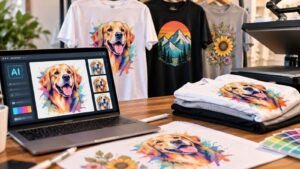
AI tools make it easier to create custom artwork for t-shirts and other apparel. However, a design that looks appealing on a screen may still need work before it is ready for printing. AI-generated designs can contain generic details, inconsistent elements, or image-quality problems that become more noticeable when enlarged.
Preparing AI-generated designs for t-shirt printing involves more than downloading an image and submitting it to a printer. A few thoughtful changes can make the artwork more personal, improve print quality, and help avoid delays or unexpected costs when placing an order.
Add Personal Details to AI-Generated T-Shirt Designs
AI-generated artwork can be a useful starting point, but the results may look similar to images created for other users. Adding details connected to the intended wearer, event, or organization gives the design a more distinctive identity.
Consider incorporating:
- Personal references: Include a meaningful date, location, hobby, or inside joke.
- Specific colors: Choose shades that reflect a brand, team, event, or personal preference.
- Custom wording: Add a name, slogan, or short phrase that gives the artwork context.
- Audience-specific details: Consider what will appeal to the people who will wear the apparel.
For example, a design for a group camping trip could include the destination, trip year, or a phrase shared by the participants. These details make the artwork more meaningful than a generic outdoor illustration.
Refine AI-Generated Artwork Before Printing
AI-generated designs often need editing before they are ready for custom t-shirts. Review the image carefully instead of assuming the first result is finished.
Pay attention to:
- Text accuracy: AI tools may produce misspelled words or distorted lettering. Add important text separately using design software.
- Visual clutter: Remove unnecessary shapes and decorative elements that compete with the main subject.
- Color balance: Adjust colors so the important parts of the design remain easy to distinguish.
- Composition: Check that the artwork looks balanced and that important details are not cut off.
These adjustments help create a cleaner design while preserving the original concept. For more detailed changes, professional editing may be necessary.
AI Artwork vs. Professionally Created T-Shirt Designs
AI tools can generate artwork quickly, but they do not always provide the same level of control as working with a professional designer.
| Consideration | AI-Generated Artwork | Professionally Created Design |
|---|---|---|
| Design process | Generates an image from prompts | Built and refined through deliberate design decisions |
| Editing | Some elements may be difficult to change individually | Individual elements can usually be adjusted |
| Text | May contain distorted or inaccurate lettering | Text can be placed and formatted precisely |
| File quality | Depends on the generated image and exported file | Can be prepared for specific print requirements |
| Revisions | May require repeated generation or rebuilding | Can be revised directly in the design file |
An AI-generated image may be a flattened file, meaning its individual elements cannot easily be selected and edited. Changing one letter or removing an unwanted shape may require recreating part of the artwork.
A professional designer can provide more control over these details and prepare files according to the intended use.
Prepare the Correct File for T-Shirt Printing
The file submitted to a printer affects the final result. A screenshot of an AI-generated image, for example, may have lower resolution than the original downloaded file.
Whenever possible, provide the original image file. A high-resolution file with a transparent background, such as a suitable PNG, can also make preparation easier.
Background removal is usually possible, but it may leave traces of the original background color or create blurry edges. A file created with a transparent background can help avoid some of these issues.
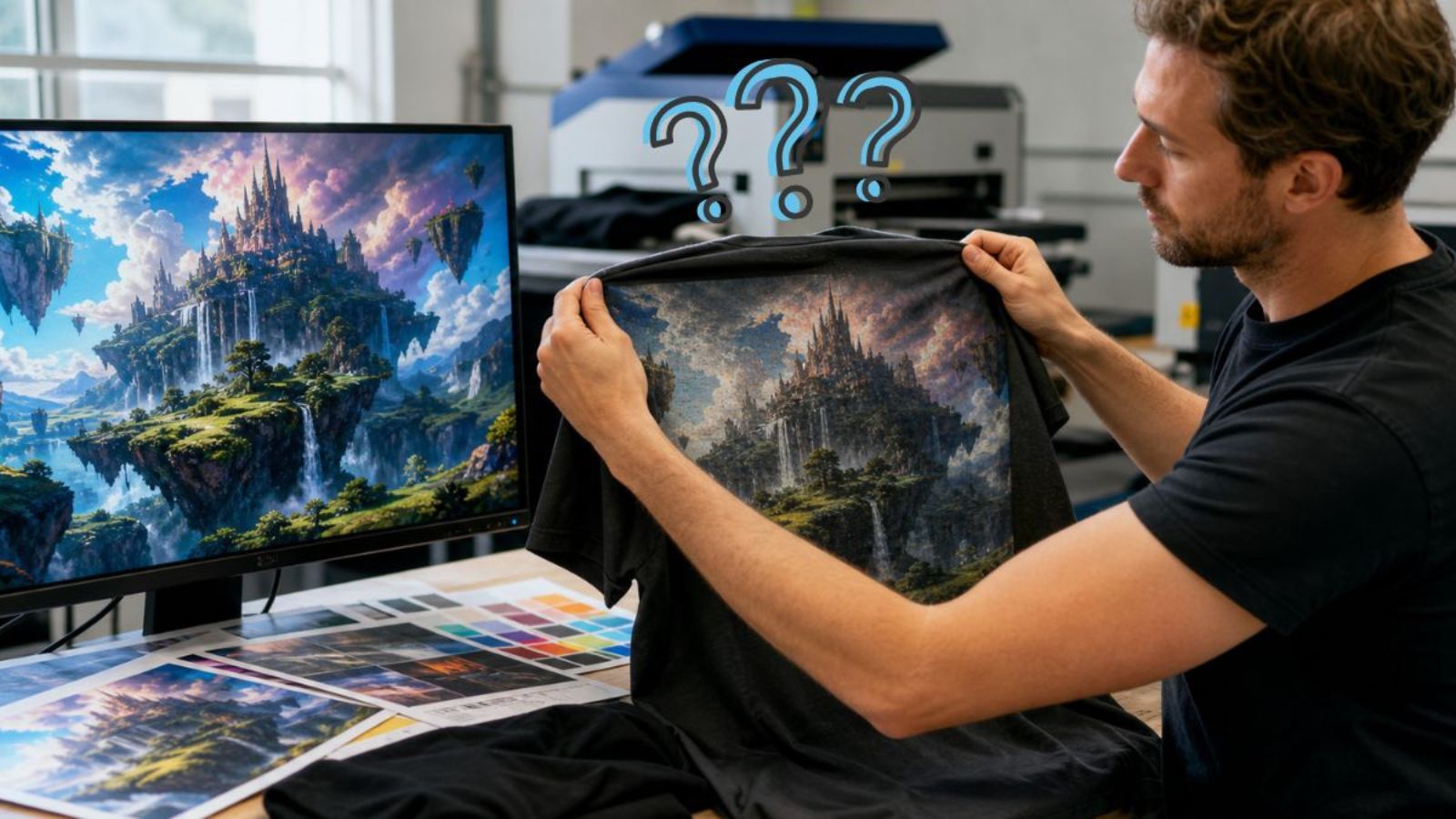
Check the artwork at its intended print size, too. An image that looks sharp on a phone screen may become blurry when enlarged to fit the intended print area on a t-shirt. Enlarging it can also reveal random shapes, colors, or other imperfections that were difficult to notice in the smaller preview.
Because these problems may only become obvious at the actual print size, reviewing the original file before production is important.
Understand Artwork Limitations Before Ordering Custom T-Shirts
Increasing an image’s dimensions does not automatically restore missing detail. If the original artwork is too blurry or contains noticeable errors, it may need more than a simple size adjustment.
Depending on the file and the customer’s expectations, the printer may be able to use the image as submitted, make limited corrections, or recommend starting over.
This distinction matters because correcting an existing file and recreating artwork are different tasks. Rebuilding a design can require additional time and may involve an artwork fee. Customers should discuss these possibilities before approving an order, particularly when the apparel is for a business or organization.
A design intended for a one-time joke shirt may not need the same level of refinement as a logo used on employee uniforms or promotional apparel.
Choose the Right T-Shirt Printing Method for Your Design
The printing method should match the artwork, garment, and intended result. Different methods have different requirements:
- DTF printing: Works well for colorful designs and detailed artwork. Visit Anytime Tees’ DTF printing page.
- Screen printing: Often suitable for larger orders and designs that can be prepared for screen printing. See screen printing options.
- Vinyl printing: Can work well for simpler graphics, names, and lettering. Explore vinyl printing.
- Embroidery: Requires artwork that can be translated into stitches. Small details and complex gradients may need to be simplified. Learn more about embroidery.
If you are unsure whether an AI-generated image will work with your preferred method, ask the printer to review the file before production.
Make Your AI-Generated T-Shirt Design Ready for Printing
AI-generated designs can provide a starting point for distinctive custom t-shirts, but the final result depends on thoughtful editing and proper file preparation. Personal details make artwork more recognizable, while checking resolution, edges, and print dimensions helps prevent avoidable production problems.
Before ordering, share the original artwork with your printer and discuss any concerns about image quality or revisions. This gives the printer a better opportunity to identify limitations and recommend the next steps.
Frequently Asked Questions
Can AI-generated designs be used on shirts?
Yes, provided the image is suitable for printing and you have the necessary rights to use it. Review the AI platform’s terms and check the file’s quality before ordering.
Can I add my business logo to AI-generated artwork?
Yes. You can combine AI-generated artwork with a business logo, but make sure the logo is clear, correctly proportioned, and supplied as a high-quality file.
Will the same design work on different types of apparel?
Not always. A detailed design may work well with one printing method but require adjustments for another. Garment material, print area, and production method can affect the result.
Should I keep the original AI image file?
Yes. Keep the original downloaded file rather than relying only on a screenshot. It may provide better image quality and make future orders or revisions easier.
Can I change the design after approving my order?
Changes may still be possible, but they can affect production timing and may involve additional artwork revisions or fees. Contact the printer as soon as possible to discuss the requested changes.
Anytime Tees | Bring Your Custom Apparel Idea to Life
Whether you’re designing shirts for a school event, business promotion, sports team, fundraiser, or group trip, Anytime Tees makes the process simple from start to finish.
We offer high-quality custom t-shirt printing, bulk order discounts, fast turnaround times, and professional design support to ensure your apparel looks exactly how you imagined it.
From bold graphics to clean, minimalist logos, our team helps you choose the right shirts, printing method, and sizing options for your project.
Start your custom apparel order today and see why so many customers trust Anytime Tees for dependable quality and service.
Contact Anytime Tees now to get your custom quote and begin your design.